7 Best Home Workout Apps 2026 (No Gym Needed)
No commute, no membership, no waiting for a rack. The best home workout apps give you a real program for your living room (a mat, a pull-up bar, a pair of dumbbells) and keep it getting harder. We tested the top options for every home setup.
Home training fails for two reasons: no plan, or a plan that stops getting harder. A follow-along video keeps you moving for 30 minutes, but it doesn't tell you what to do next week. The best home workout apps give you a program, show you the form, and move you up as you get stronger.
We ranked by three things: a program you can follow from day one, form help on every movement, and whether the app keeps working as your setup grows from nothing to a pull-up bar to dumbbells. Free-tier value decided close calls. All seven work with zero equipment.
Top Picks

Best Overall for Home
1. Fitloop — Bodyweight to barbell — guided training for every equipment level
Free forever, no ads
★ 4.7 rating

Best for Follow-Along Classes
2. Nike Training Club — Follow-along video classes
Fully free
★ 4.8 rating

Best Bodyweight Video Library
3. Caliverse — Video-first calisthenics training
Free library & community
★ 4.7 rating


Best for Absolute Beginners
5. Hybrid Calisthenics — Accessible fundamentals for everyone
Free app
★ 4.7 rating

Best Premium Home Classes
7. Centr — HIIT, strength, nutrition & mindfulness combined
7-day trial
★ 4.6 rating
Detailed Reviews

The free app that grows from your first push-up to a full barbell program.
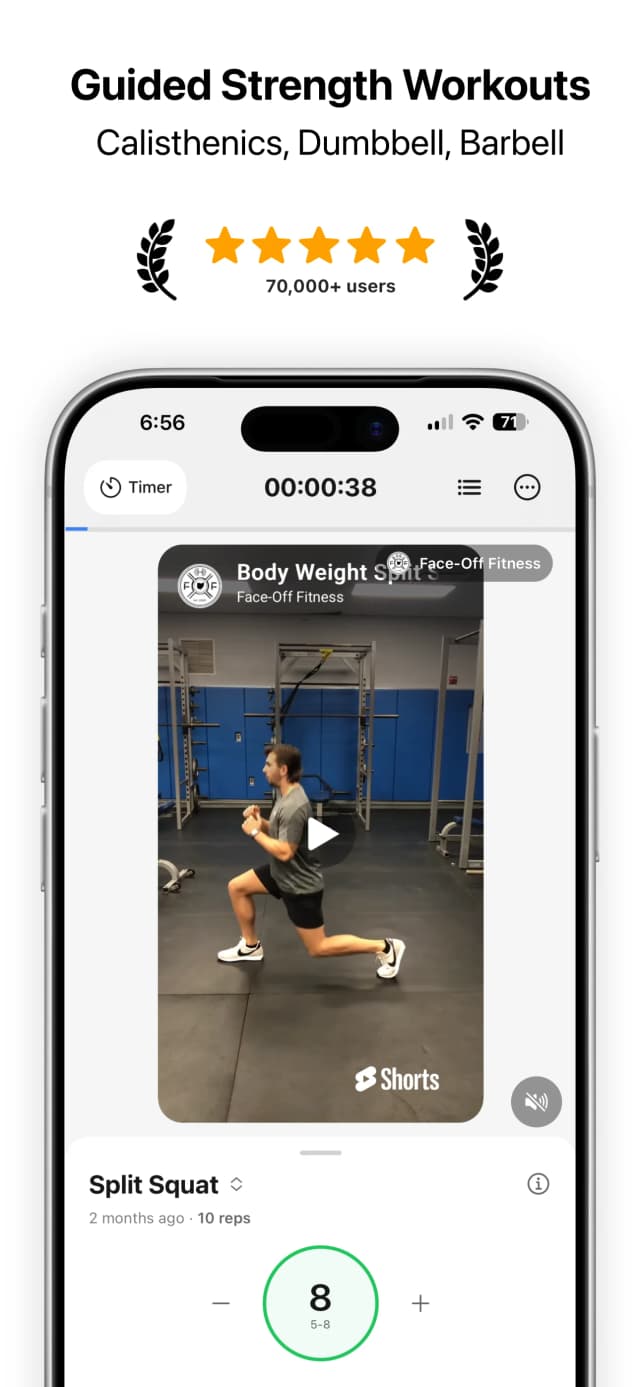
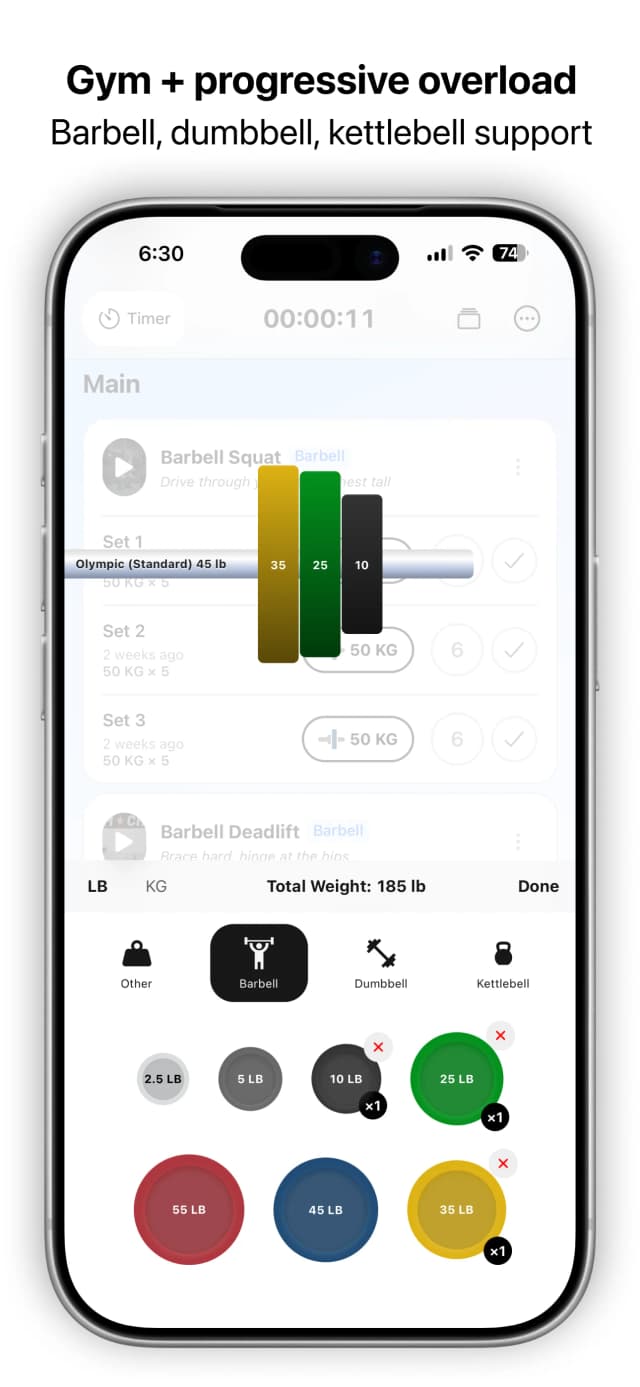
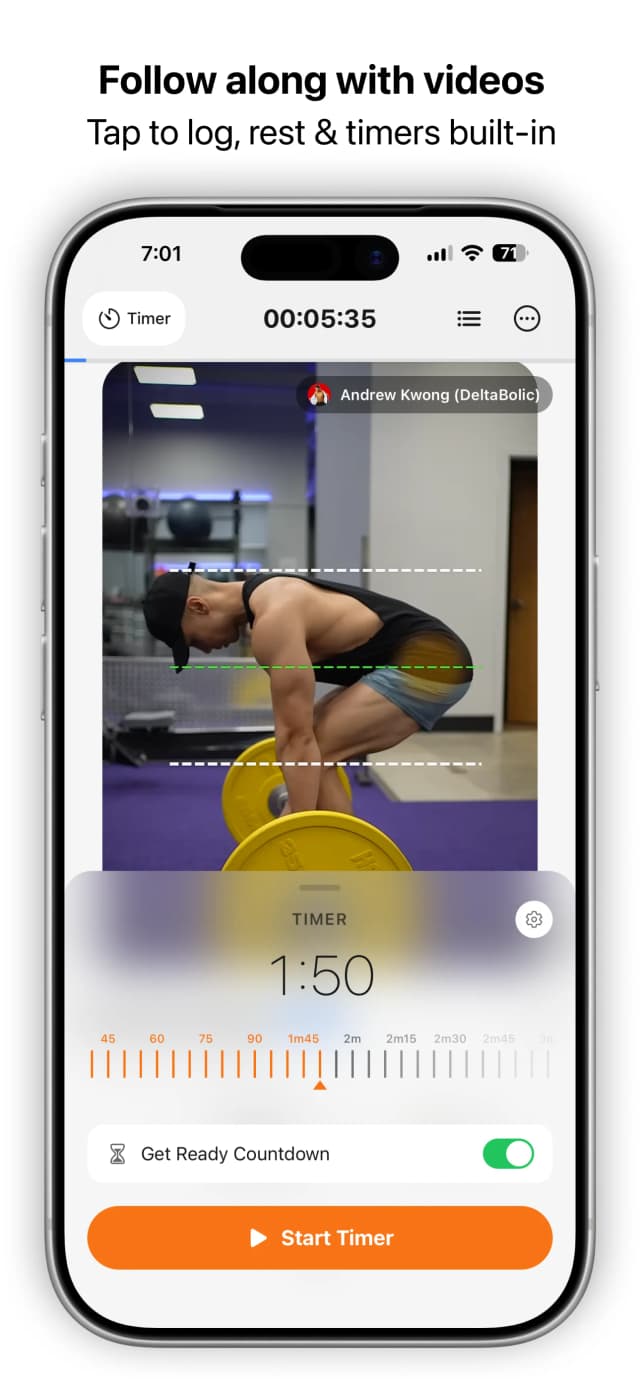
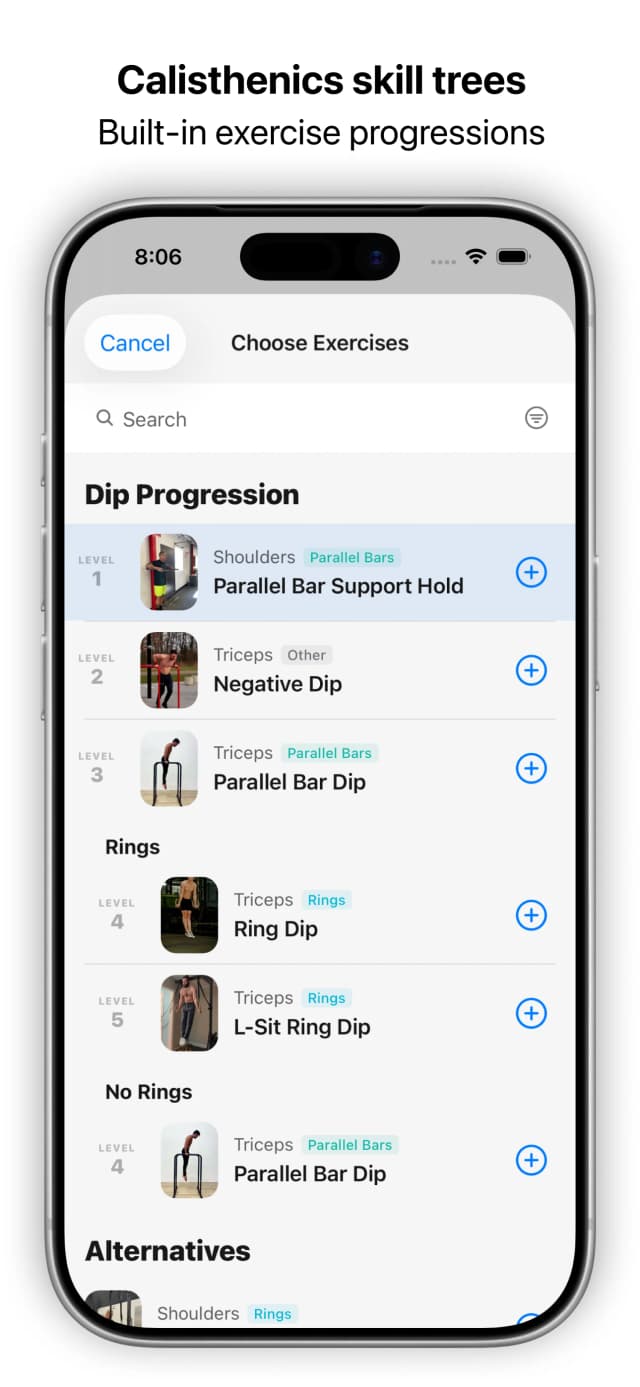
Start Beginner Calisthenics on the living-room floor: it's free and runs week by week. Nearly every exercise has a short YouTube form video on the exercise screen, so form help is in the workout, not a separate tab. Weighted equipment is first-class: when a push-up variation gets easy, move up the ladder (push-up → archer → one-arm) or add dumbbells, which use the same logger, rest timer and last-session numbers. The Reddit Recommended Routine and Dumbbell PPL are free too; Fitloop+ adds an AI plan built around your exact equipment.
Pros & Cons
Pros
- Beginner Calisthenics, the Reddit RR, 5×5 and 5/3/1 are all free
- Form video on nearly every exercise, inside the workout
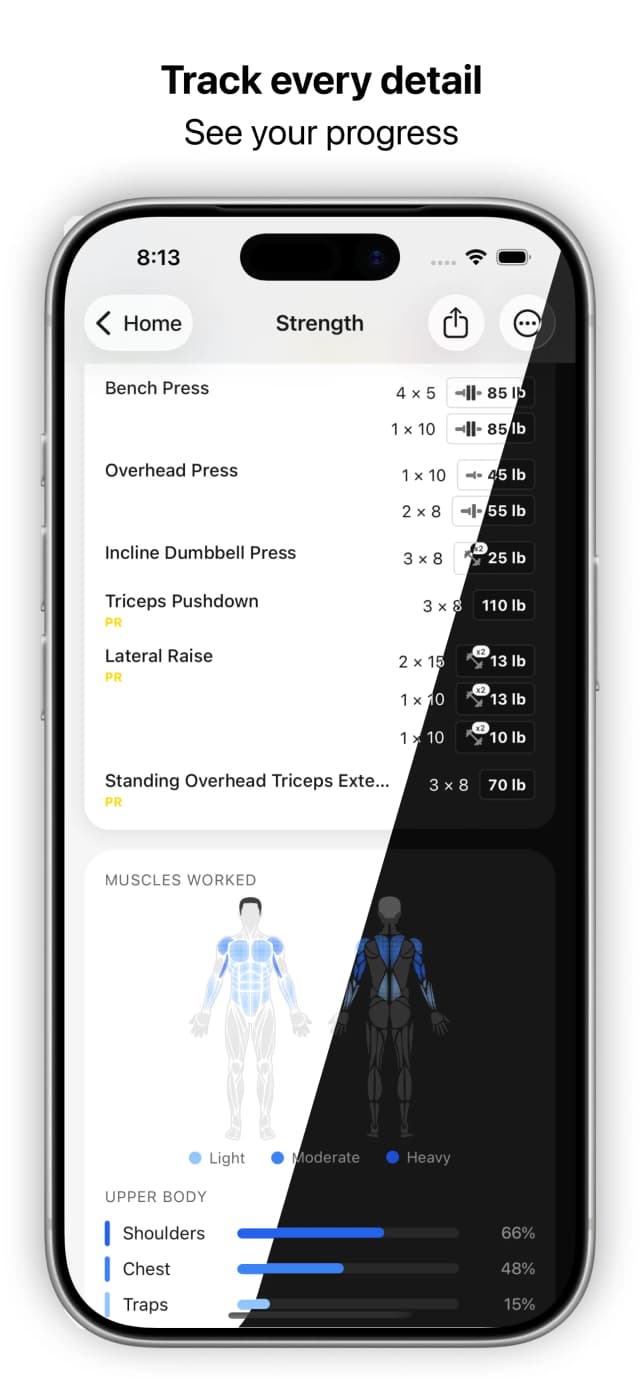
- Bodyweight and weighted training in one logger, with last session's numbers on every set
- No ads and no caps on routines or history
- Progression ladders keep bodyweight training hard for years
Cons
- The AI-built plan and AI coach need Fitloop+
- Form videos are short clips, not follow-along classes
- No social feed
Pricing: Free forever, no ads | $9.99/mo, $49.99/yr, or $199.99 lifetime

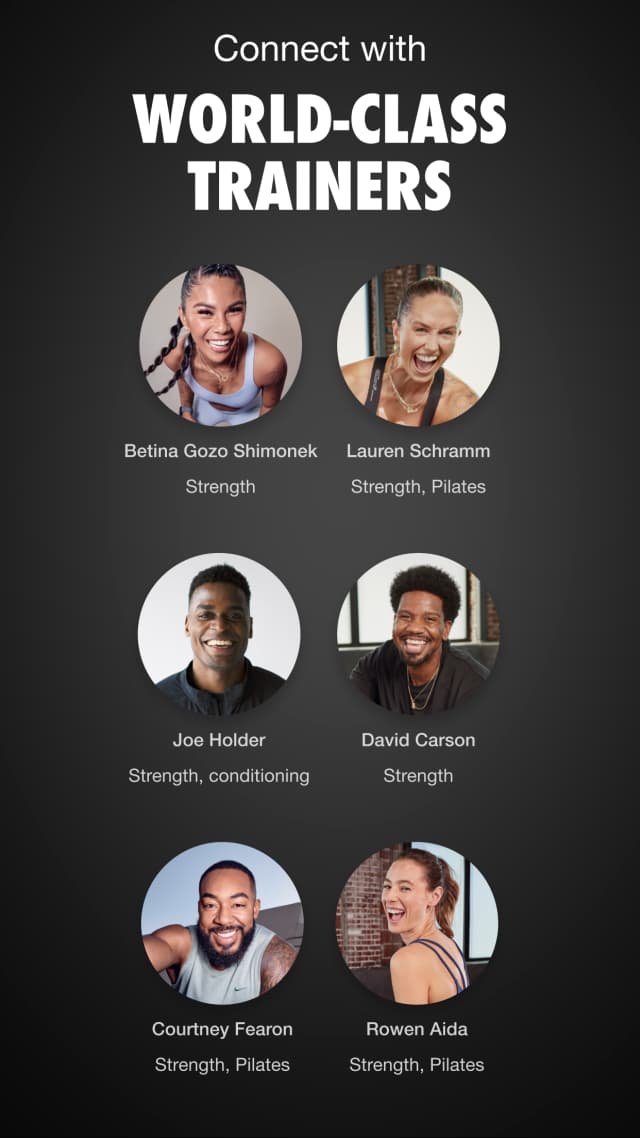
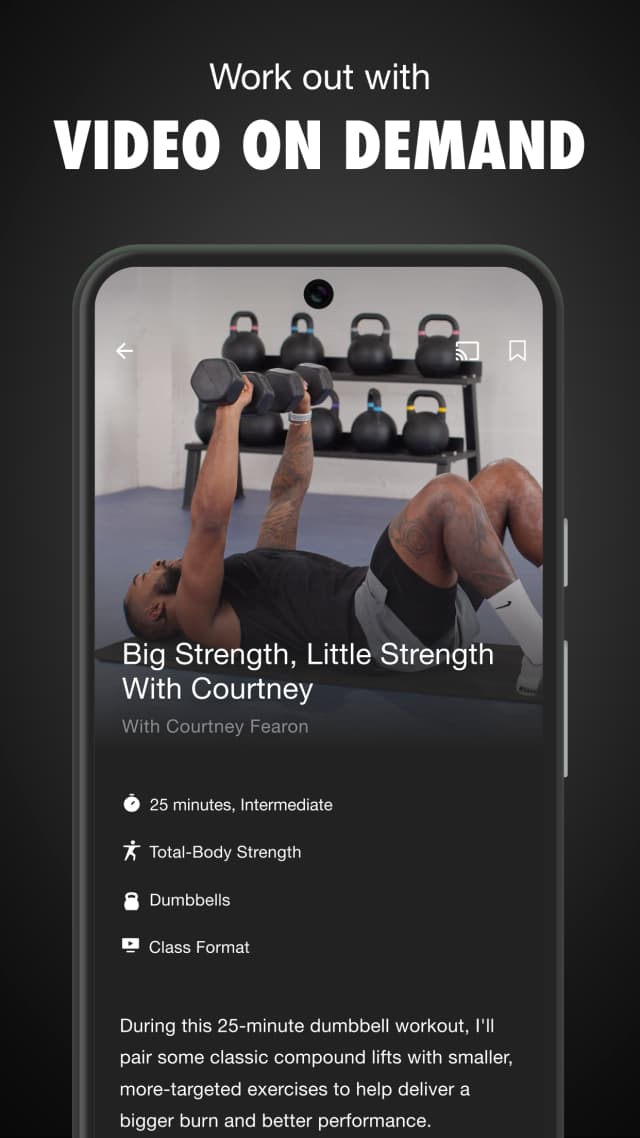
Free follow-along classes from Nike
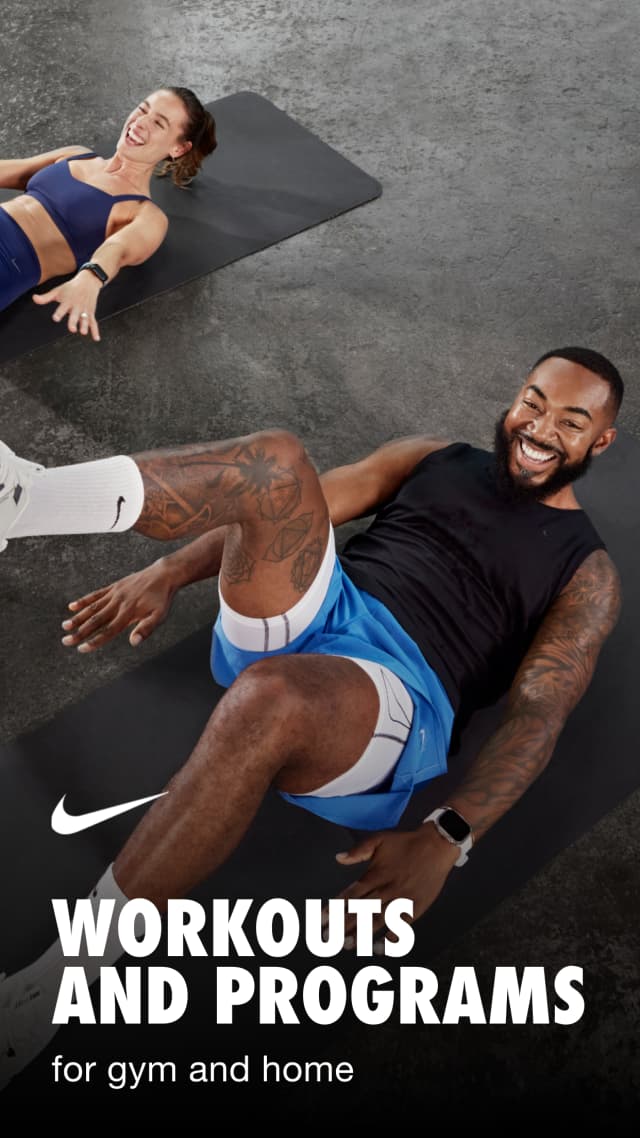
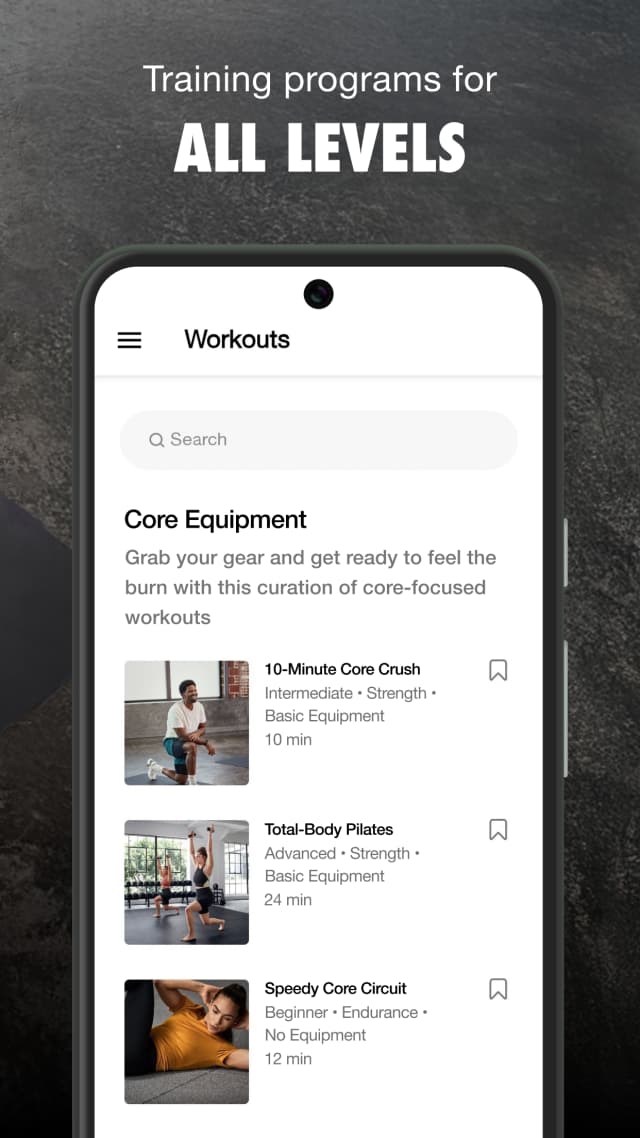
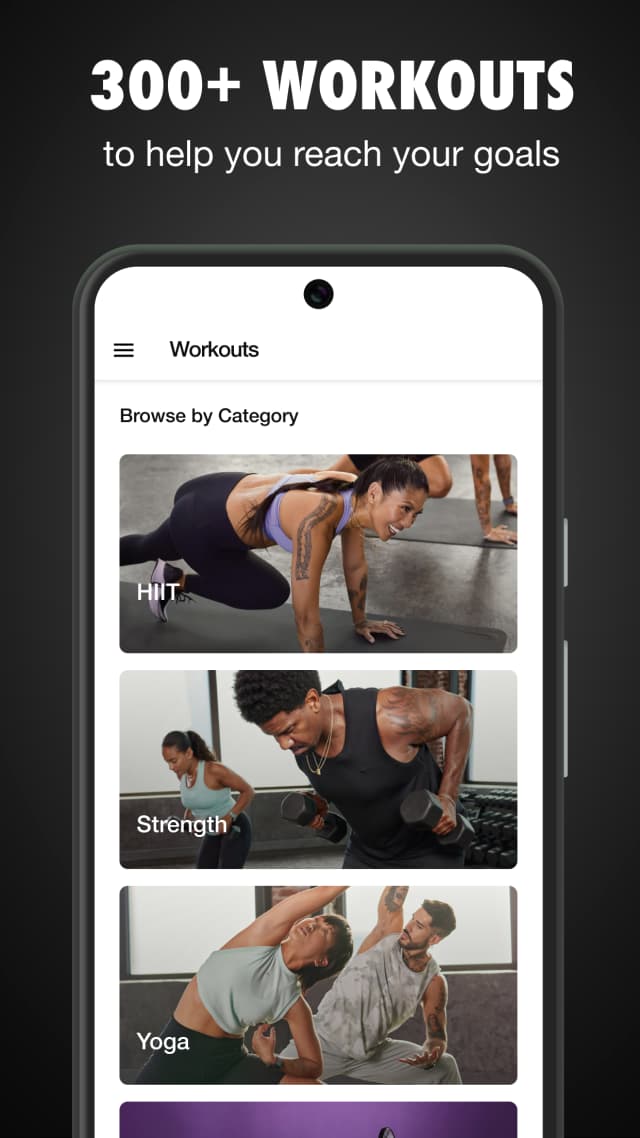
Nike Training Club is a free library of trainer-led video classes, most needing no equipment. It tracks completed workouts, not individual sets, reps or weights.
Pros & Cons
Pros
- Completely free
- Polished trainer-led classes
- Big class library
Cons
- Logs finished classes, not sets, reps or weights
- No custom routines
Pricing: Fully free | None

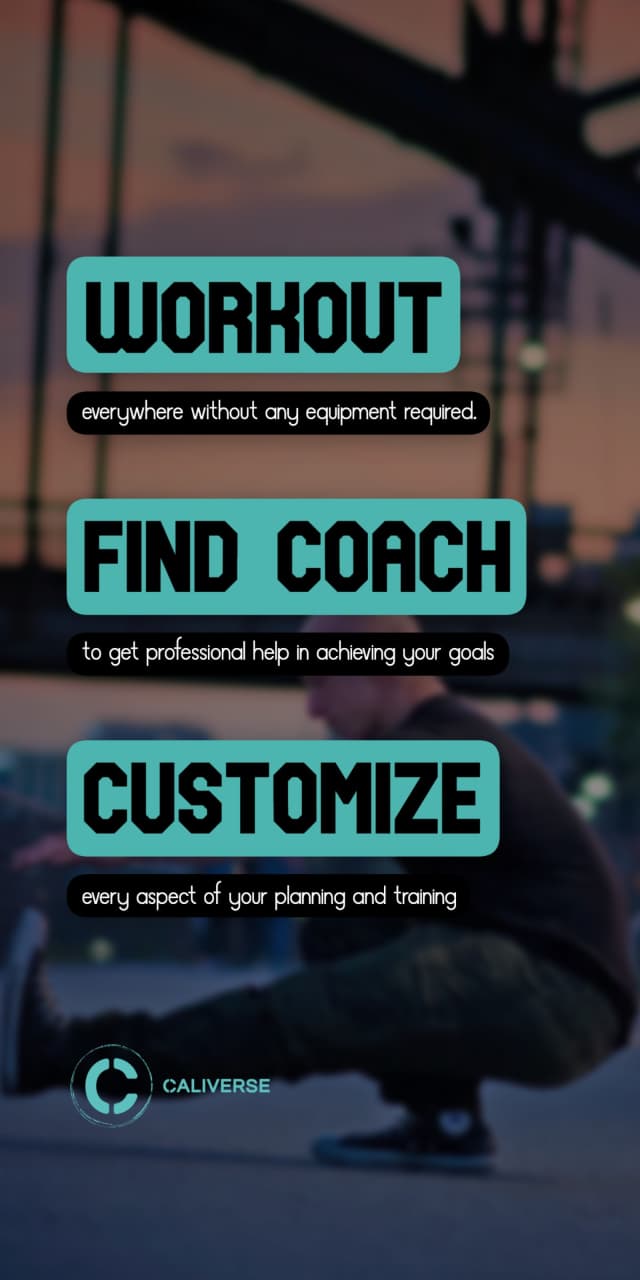
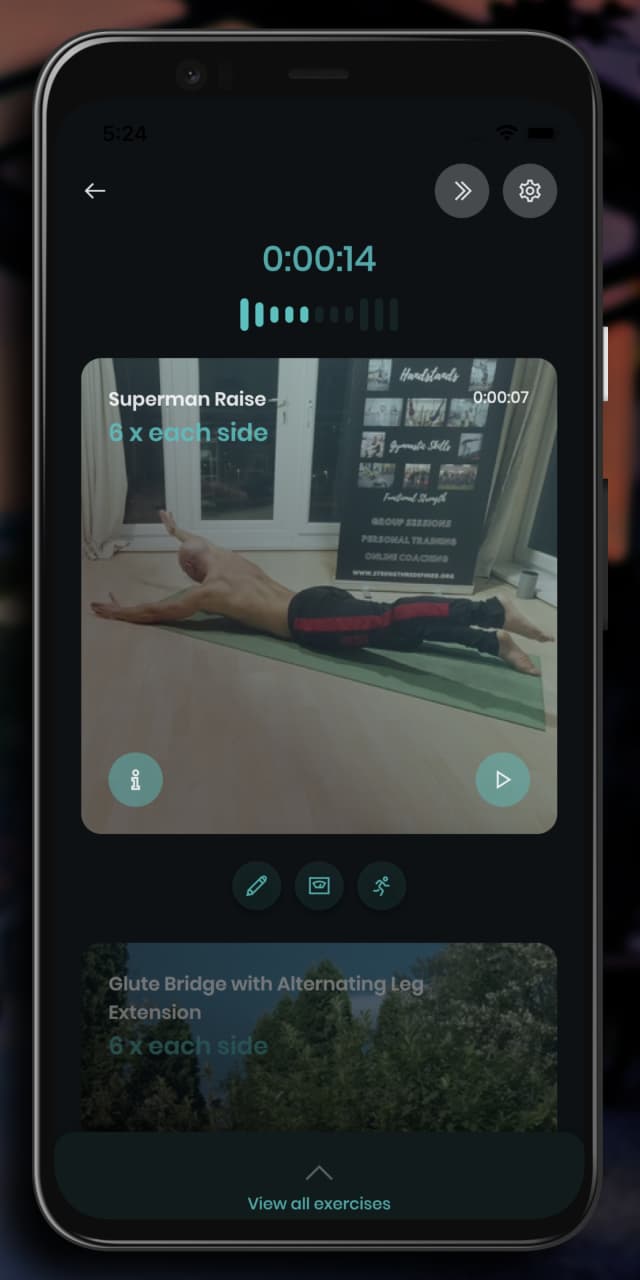
Video-first calisthenics with AI coaching
Caliverse's free tier has HD demos for every exercise and level-scaled bodyweight routines; premium plans and its Smart Coach are PRO ($4.49–$9.49/mo). Home-friendly by design, but limited equipment-based training if your setup grows.
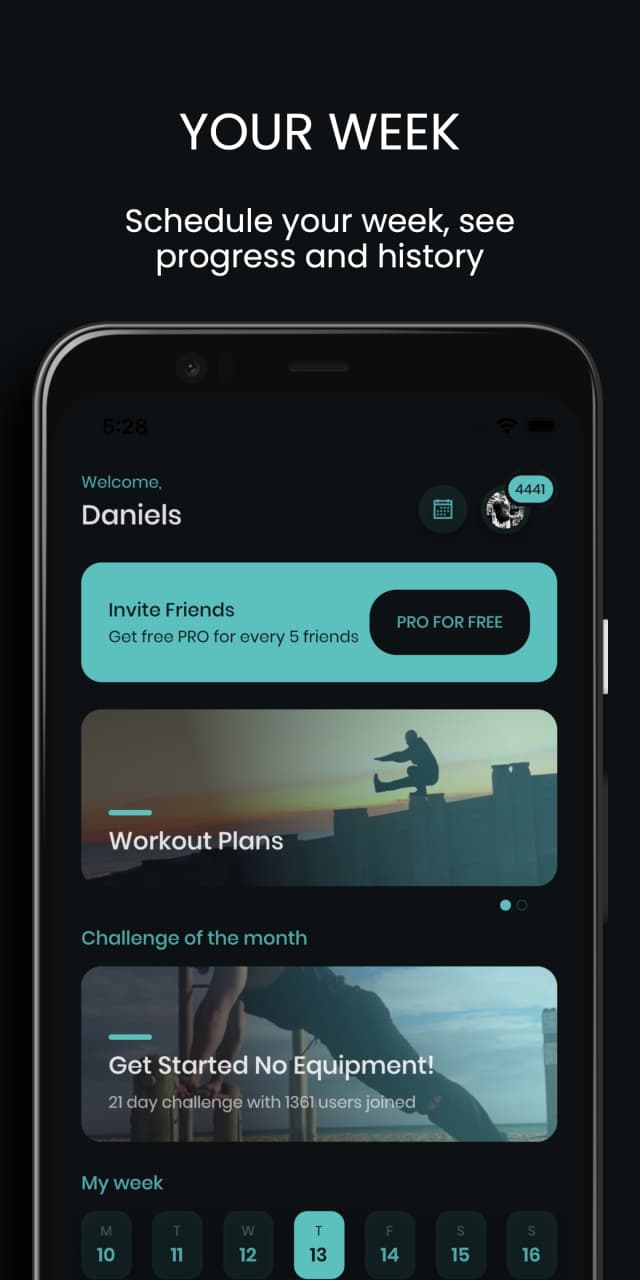
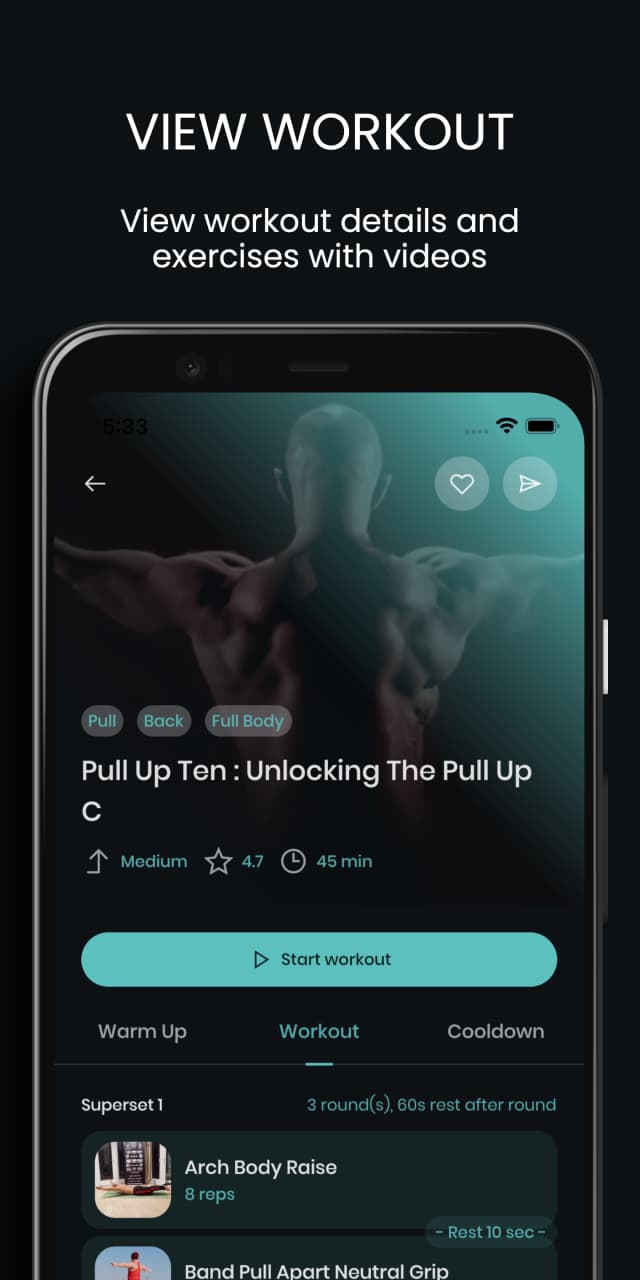
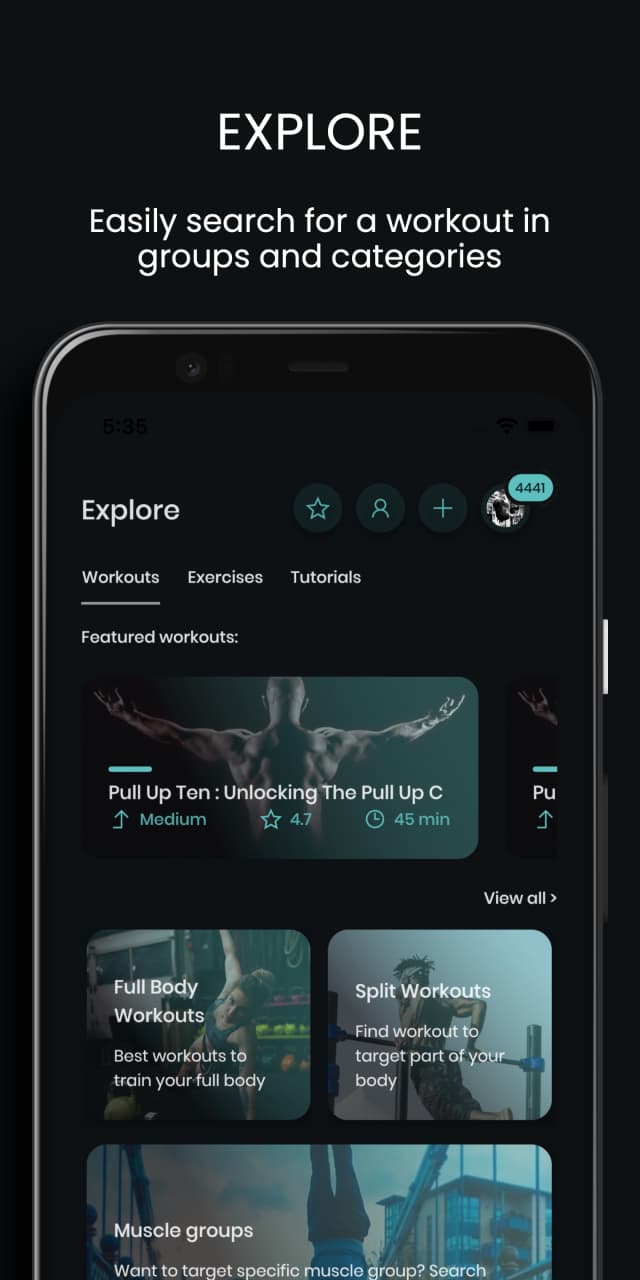
Pros & Cons
Pros
- Generous free tier
- HD video for every exercise
- Good onboarding
- Active development
Cons
- Smaller community than paid apps
- Smart Coach, premium plans, and custom workouts need PRO
- No programs like Reddit RR
Pricing: Free library & community | PRO $4.49–$9.49/mo or $44.99+/yr

Bodyweight workouts at home
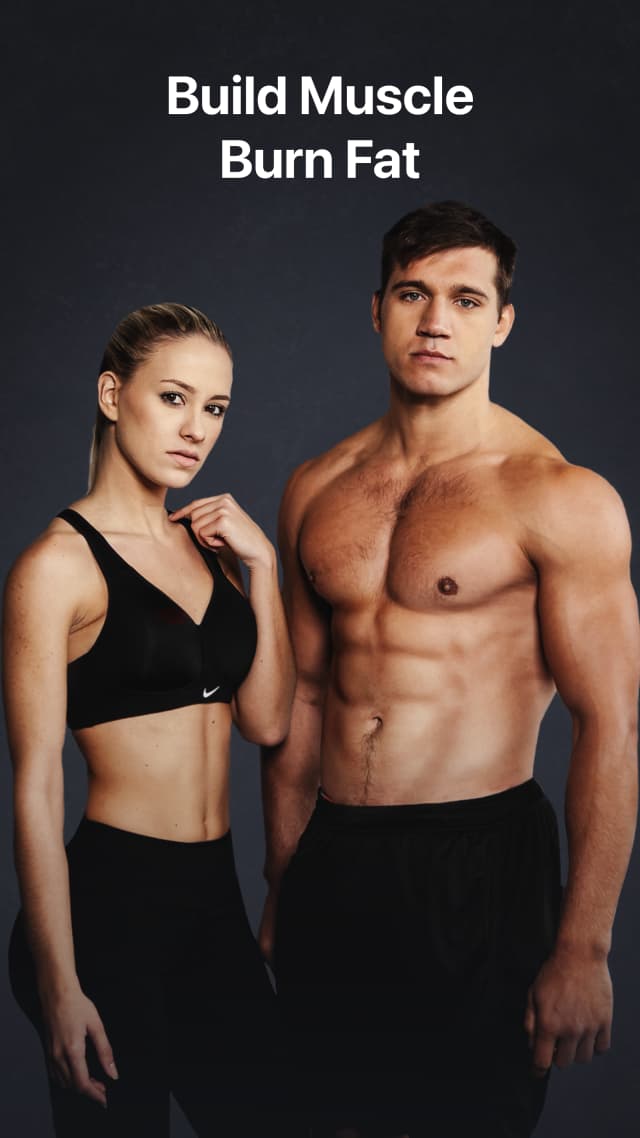
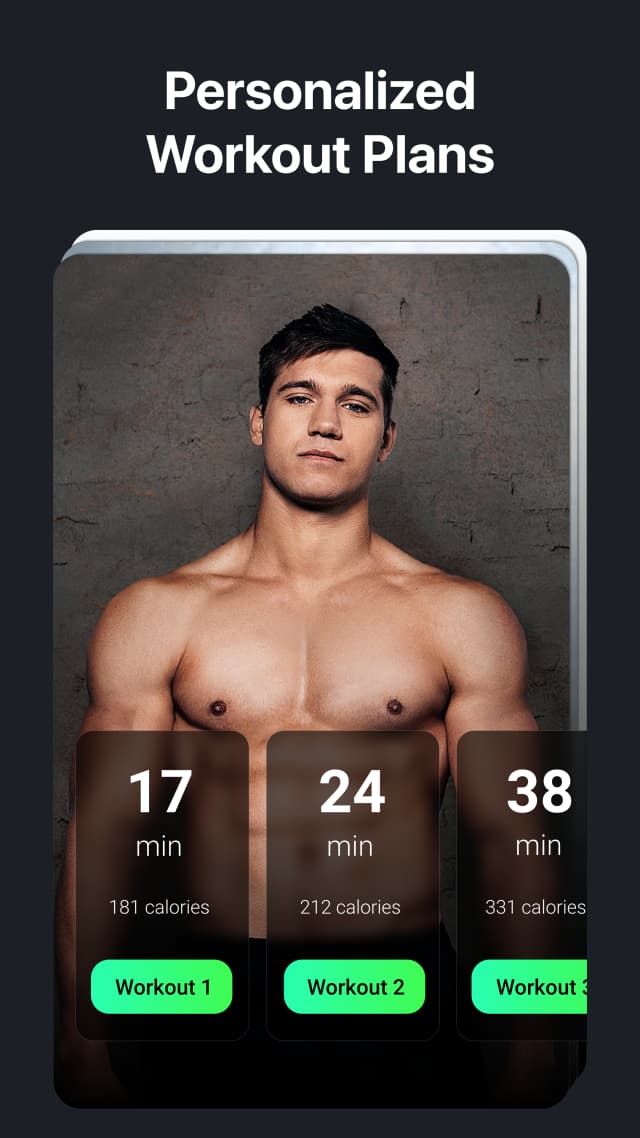
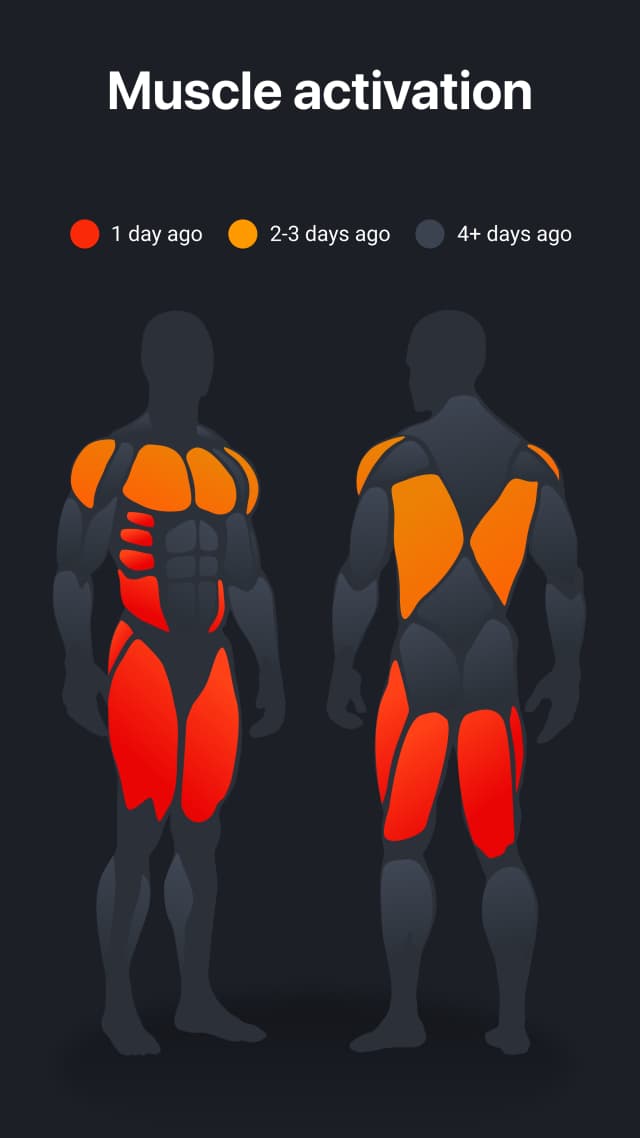
Madbarz specializes in short bodyweight circuits that fit into a lunch break, plus nutrition guidance. Best for building a daily habit; less depth for structured strength progression.


Pros & Cons
Pros
- Good for beginners
- Nutrition included
- Affordable
Cons
- Phone must stay on during workout
- Steep jump between levels
- Limited progressions
Pricing: Free workouts | Premium $9.99/mo or $59.99/yr

Accessible calisthenics from Hampton
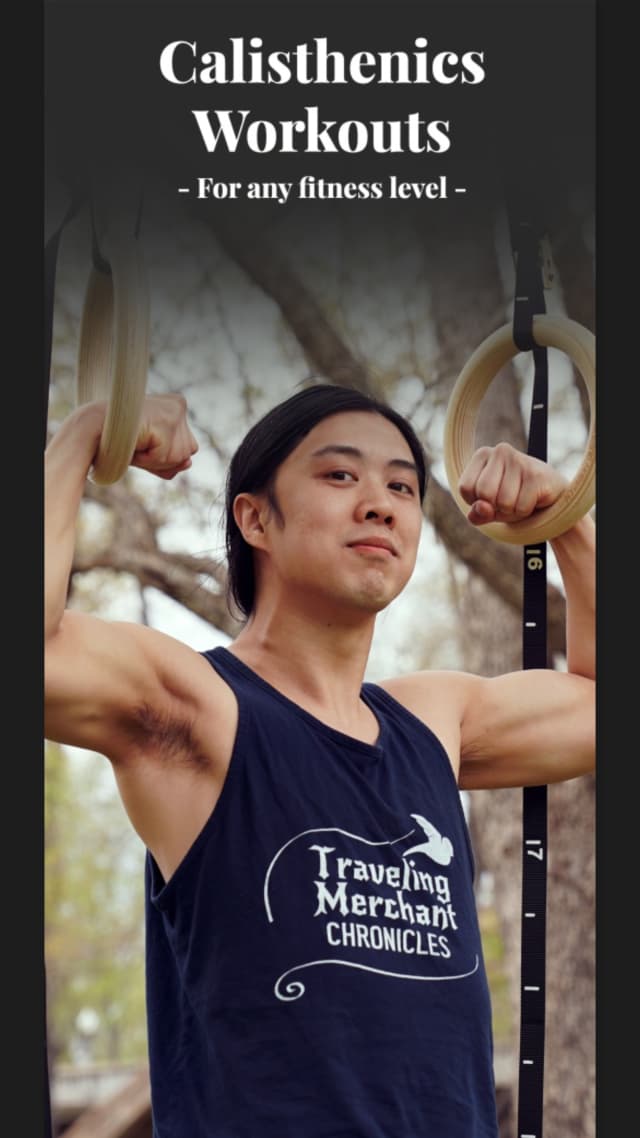
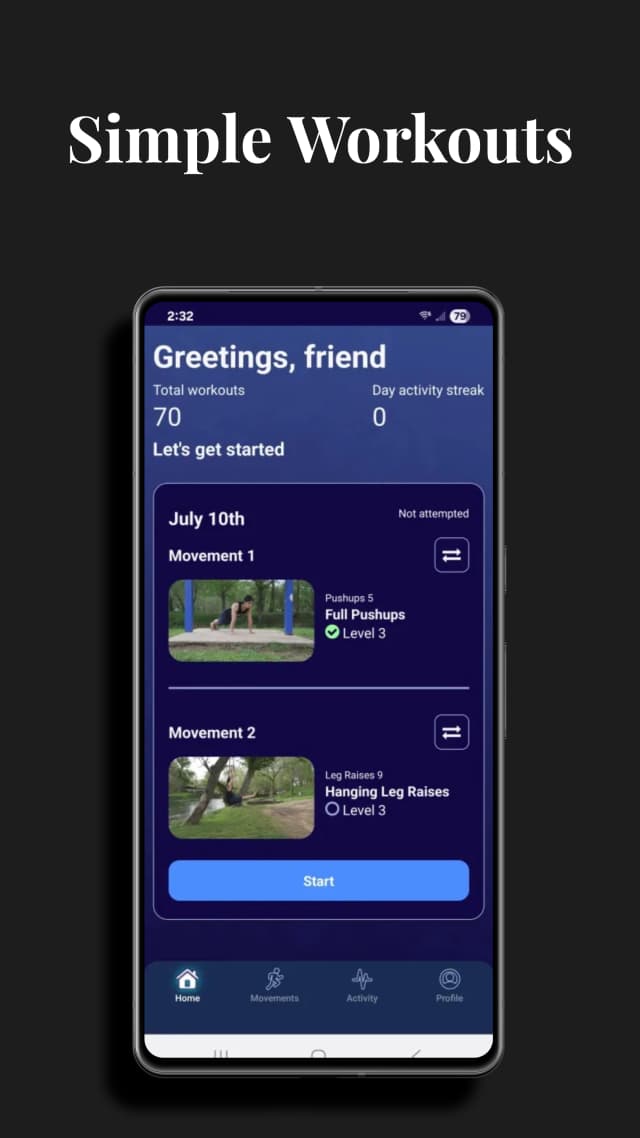
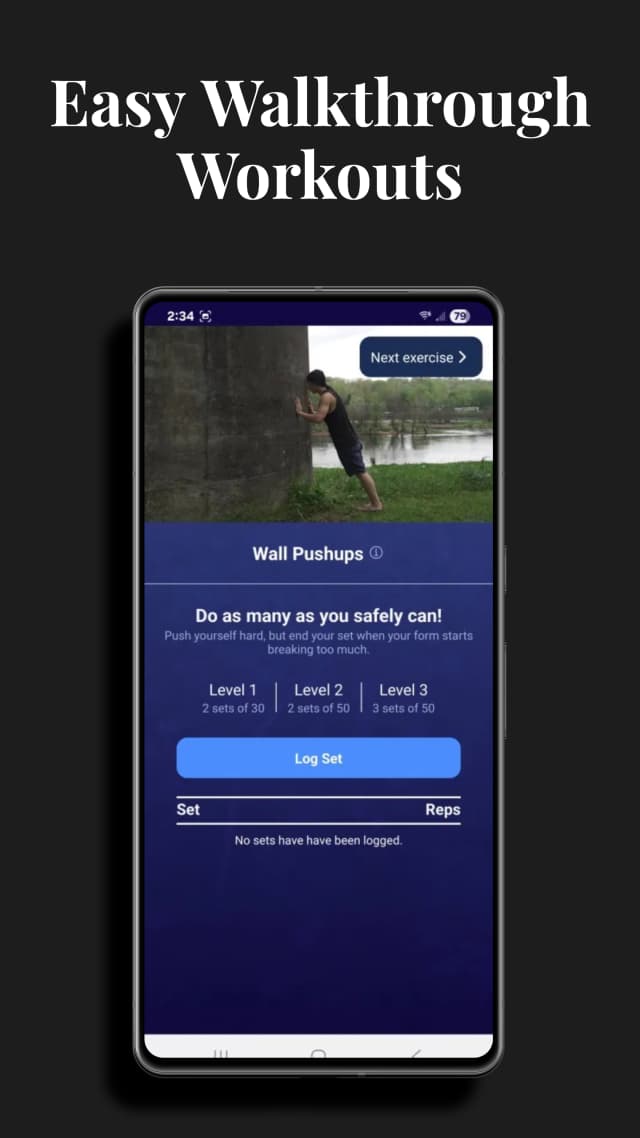
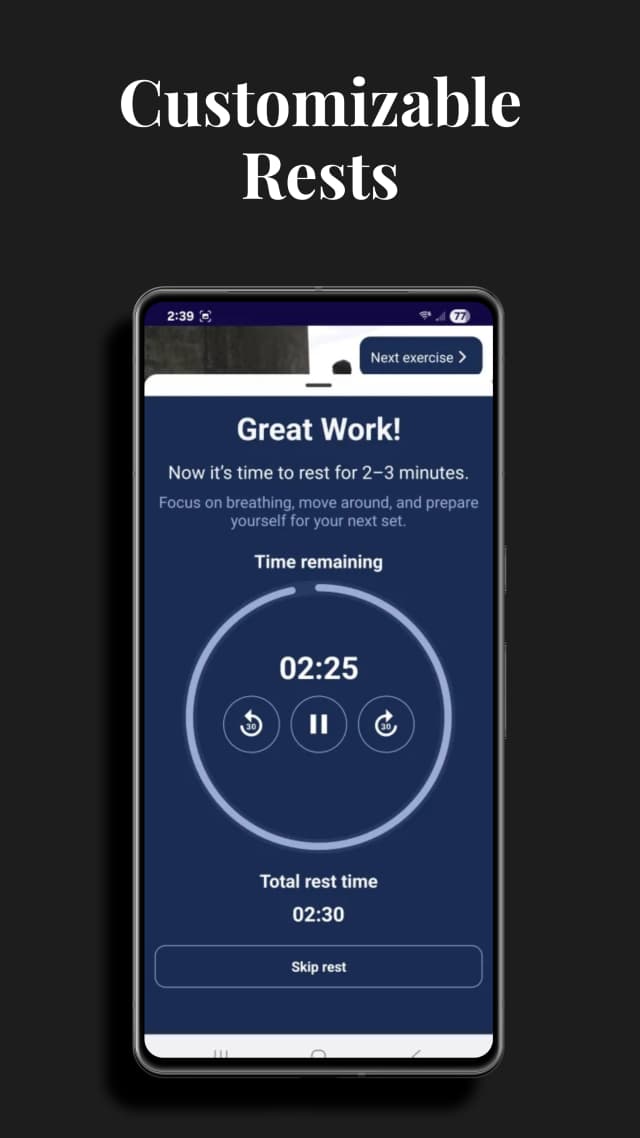
Hampton's Hybrid Calisthenics app brings his famously gentle beginner methodology home — wall push-ups on day one, tiny progressions, zero judgment. Free. Narrower in scope once you're past the beginner stage.

Pros & Cons
Pros
- Free and beginner-friendly
- Excellent for absolute beginners
- Trusted YouTube brand
- Adaptive to body size & flexibility
Cons
- Limited to one routine
- No strength programs or barbell support
- Less depth than purpose-built apps
Pricing: Free app | Free; optional Supporter $9.99/mo

AI bodyweight HIIT coach
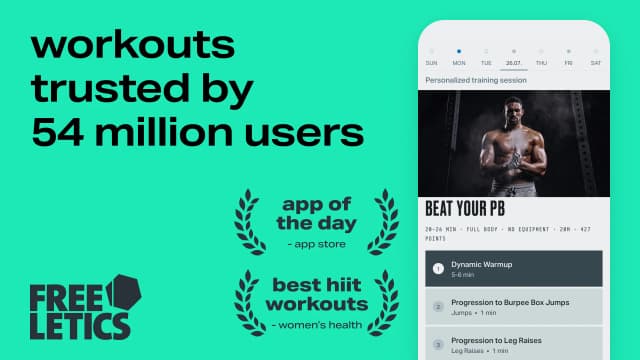
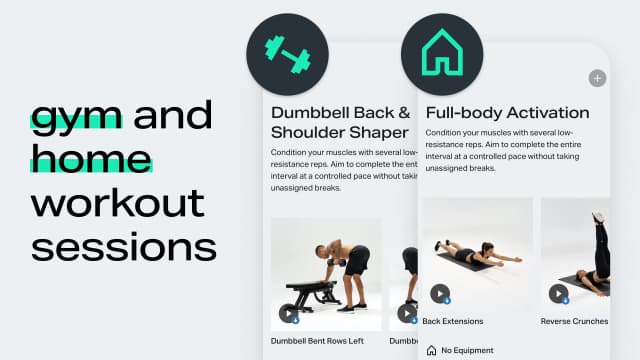
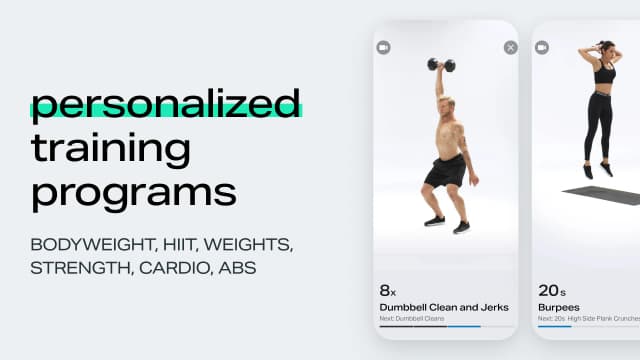
Freeletics' AI Coach programs equipment-free HIIT sessions and adapts them to your performance — strong for conditioning at home. Subscription-required for the coach, and strength/skill depth is limited.
Pros & Cons
Pros
- Smart AI personalization
- Great for HIIT and conditioning
- Nutrition included
- Large community
Cons
- Limited strength progressions
- Can feel repetitive
- Expensive annual
- Subscription-heavy UX
Pricing: Limited workouts | Coach $34.99/mo or ~$99.99/yr
Centr
Best Premium Home ClassesChris Hemsworth's fitness, food & mind app
Centr's trainer-led home workouts, meal plans, and recovery content are a polished class-style package. $29.99/mo, and programming is one-size-per-program rather than personalized.
Pros & Cons
Pros
- Production quality is outstanding
- Nutrition + mindfulness included
- Celebrity trainers (Ross Edgley, Ashley Joi)
- Family-friendly
Cons
- Very expensive
- Limited calisthenics progressions
- More 'follow along' than 'training'
- No programs for beginners to advanced path
Pricing: 7-day trial | $29.99/mo or $149.99/yr
Frequently Asked Questions
What's the best free home workout app?
Fitloop. Beginner Calisthenics (no equipment), the Reddit Recommended Routine (a pull-up bar helps) and Dumbbell PPL are free, with a form video on nearly every exercise and full logging. If you only want follow-along classes, Nike Training Club is free, but it doesn't track your sets.
Can I get fit at home with no equipment?
Yes. Bodyweight training builds real strength and muscle if it progresses — that's the key. Fixed 3×10 push-up circuits stall in weeks; progression ladders (harder push-up and squat variations, working toward pull-ups and dips) keep adapting for years. That progression logic is exactly what Fitloop and Caliverse are built around.
What equipment should I buy first for home workouts?
A doorway pull-up bar ($25–40) is the highest-value first purchase — it unlocks the entire pulling half of training. Adjustable dumbbells are the best second buy. In Fitloop, dumbbells and a barbell use the same logger as your bodyweight work, so adding equipment never means switching apps.
Are home workout apps as good as a gym?
For general strength, muscle, and conditioning — yes, given progressive programming. A gym wins for heavy barbell work (squats, deadlifts at high loads). Many people run a hybrid: home sessions from an app most days, gym once or twice a week. Fitloop tracks both in one plan.
Is Fitloop a follow-along video app?
No. Fitloop's videos are short form clips on nearly every exercise, not 30-minute trainer-led classes. If you want someone on screen to follow, a class app fits better. If you want a program that gets harder as you get stronger, Fitloop is built for that.
How many days a week should I work out at home?
3–4 days of strength work with rest days between is the evidence-backed sweet spot for beginners and intermediates. Home training makes consistency easier — no commute — which matters more than any individual workout.
Try Fitloop Free
The highest-rated home workouts app in our tests. Free forever, no ads.